firekeeper
@firekeeper@b0nfire.xyz
322 following, 282 followers
"What is a boy to do?"
Nowhere to go, don't wanna spend money, hmm...
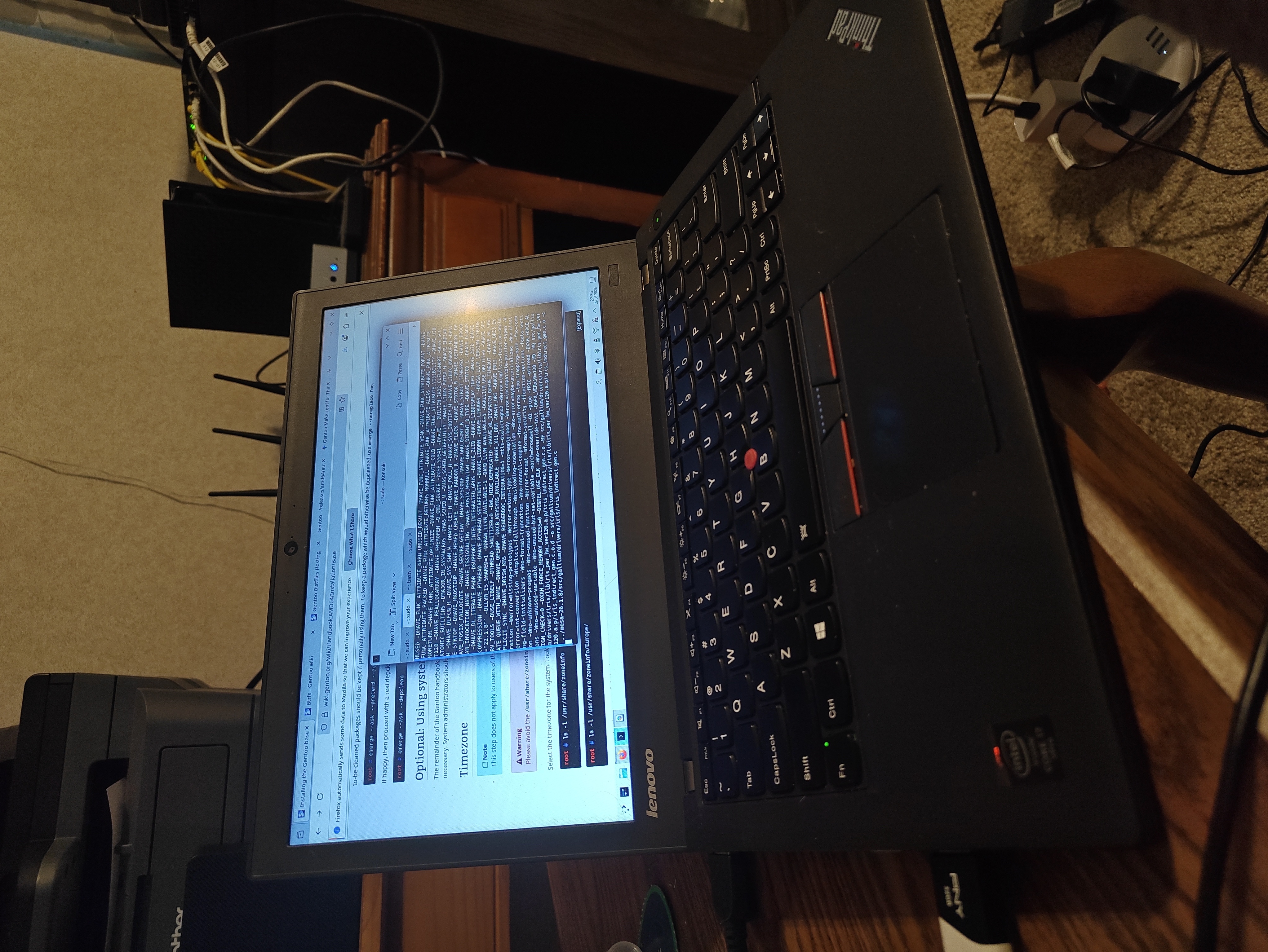
Of ALL things,... I'm installing #gentoo, lmao. No foolin', my Thinkpad is running emerge rn as I go through the install steps.
I'm a #Debian faithful since around 2012, but I've always wanted to go down the gentoo spiral. My Thinkpad is my usual toy, so I picked OpenRC and KDE, I'm at the initial system steps, I have yet to reboot, still chrooted. We'll see! 👌
So... I can enable binaries if available, but if they aren't available, it builds the package from source on the spot like how people classically think Gentoo does.
The install process was a bit head-scratchy just because I'm new to Gentoo but overall, this shares a ton of parallels to installing Archlinux without an install script or helper.
The cool thing about gentoo is that you almost have to learn about how the system works to install it to start with. Your choices, and they have to be your choices, this is a very 'elect' system - make the system what it is, literally. There's nothing in the pot that you don't throw into it. It has a few defaults and some config files are set up well enough for any standard desktop, but for the most part, you're about to find out how OpenRC, Wayland, SDDM and KDE work together.
It's flexible. I didn't make brand new filesystems or nuke my old drive. I blanked the partitions I had then adapted them to Gentoo. I had an efi/main partition/swap setup already and it was easy to translate that to Gentoo's layout of... the same layout lmao.
That's one of the cool things, here. Gentoo's guide doesn't MAKE you do anything. There are so many "ifs". It's extremely flexible and you wrap your system around it every step of the way. Everything fits and there's a "oh, you have X? Then do Y" for everything, seems like.
Where are we right now?Right now I've rebooted, grub successfully has my kernel loaded and we're going forward with installing KDE, SDDM and making sure Wayland and X11 both do their thing for getting me logged in... then I'll move towards solving any sound issues and from there, packages and getting the desktop set up.
So far so good, and no real errors to back up and deal with, believe it or not. Things have been pretty buttery, but I have had to go looking for clarification on a few things like make flags and such.
In the future, as I think most people running Gentoo do... it would probably be smart of me to copy these files for use if I ever have to restore this system from scratch. Having it all canned would save on time.
@firekeeper
There is always the btrfs - snapper - grub btrfs route in case you hose your system on a regular basis 😆 a whole nother level of complexity adddd for an installation, but shit if you can get it to work you can do anything! I really like #gentoo and it makes you learn a lot as you've said. My biggest gripe is the occasional portage circular dependency issues... But usually just waiting a week resolves those.
@firekeeper etckeeper is your friend if you want to preserve your configuration changes and the order in which you made them, and if you're on BTRFS snapper is also useful to experiment without fear of messing things up.
Once this is set, I've no doubt it's going to be a solid desktop but sheesh.
Currently handing off the wpa_supplicant -only path I've been using just for install over to networkmanager. XFCE and Slim are running, got flatpak and waterfox, just got some tuning to do for power and sleep settings, then I'll do snapper/restic, I have a NAS with a running restic repo. I'll probably just backup to it for now.
Oh, and pipewire isn't solid yet, lol, getting there.
@firekeeper iwd is also a great alternative for networking if you want just a cli tool and no network-manager